Table of Contents
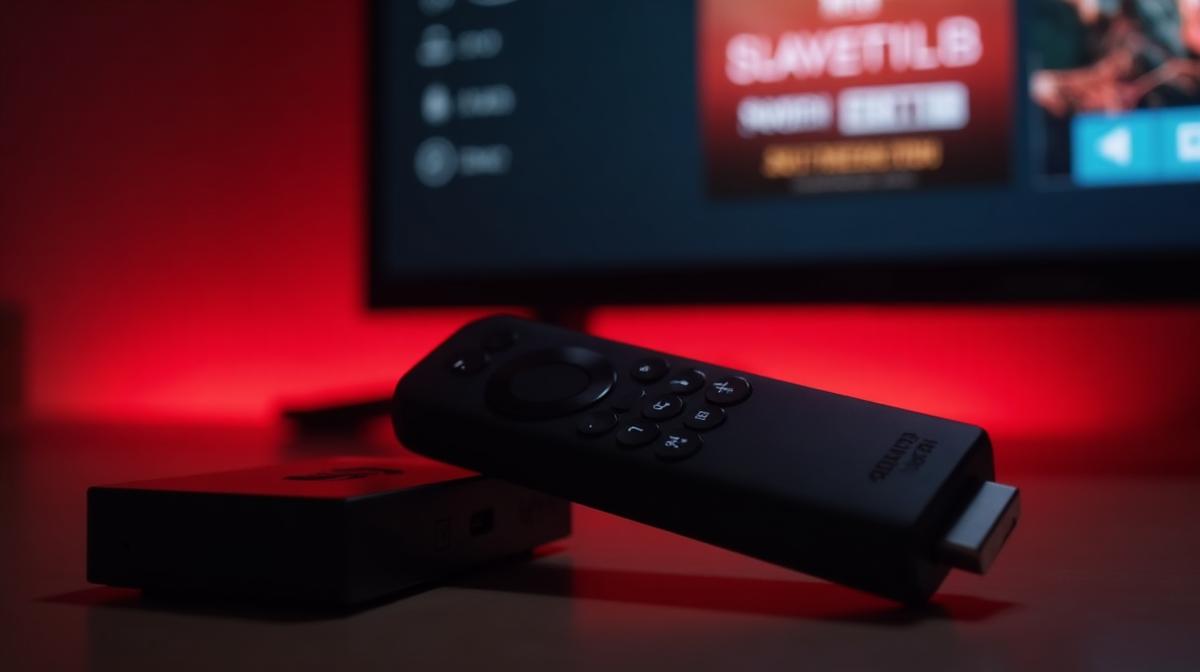
Installing IPTV on Amazon Firestick is one of the most popular ways to enjoy live TV streaming on your television. The Firestick transforms any TV with an HDMI port into a smart streaming device, and with an IPTV subscription from Voco IPTV, you can access over 23,500 live channels in stunning 4K quality.
Requirements
Before we begin the installation process, make sure you have the following:
- Amazon Firestick (any generation) or Fire TV device
- Stable internet connection (10+ Mbps recommended for HD)
- Active IPTV subscription or free trial from Voco IPTV
- Your IPTV login credentials (username and password or M3U URL)
Need an IPTV subscription? Get your free trial now!
Start Free TrialEnable Apps from Unknown Sources
The first step is to enable your Firestick to install apps from outside the Amazon App Store. This is required because most IPTV apps are not available in the official store.
- Go to Settings from the Firestick home screen
- Select My Fire TV (or Device on older versions)
- Choose Developer Options
- Enable Apps from Unknown Sources
- If prompted, enable Install Unknown Apps for Downloader
Install Downloader App
Downloader is a free app available in the Amazon App Store that allows you to download and install APK files on your Firestick.
- From the Firestick home screen, go to Find > Search
- Type "Downloader" using the on-screen keyboard
- Select the Downloader app (orange icon) from results
- Click Download or Get to install the app
- Once installed, click Open to launch Downloader
Install IPTV Smarters
IPTV Smarters Pro is one of the most popular and user-friendly IPTV apps available. Here is how to install it on your Firestick:
- Open the Downloader app on your Firestick
- In the URL field, enter: https://www.iptvsmarters.com/smarters.apk
- Click Go to start the download
- Once downloaded, click Install when prompted
- After installation, click Done (not Open)
- You can find IPTV Smarters in your Apps section
Configure Your IPTV Service
Now that IPTV Smarters is installed, you need to configure it with your Voco IPTV subscription credentials:
- Open IPTV Smarters from your Apps section
- Accept the terms and conditions
- Select "Load Your Playlist or File/URL"
- Choose "Login with Xtream Codes API"
- Enter your credentials: Any Name, Username, Password, and Server URL
- Click Add User to save your configuration
- Wait for the channel list to load
- Start enjoying 23,500+ live TV channels!
Alternative IPTV Apps
While IPTV Smarters is excellent, there are other great IPTV apps you can use on Firestick:
TiviMate
TiviMate is a premium IPTV player with an excellent EPG (Electronic Program Guide) interface. It offers a clean, TV-like experience with features like recording, catch-up, and parental controls. You can install TiviMate using the same Downloader method.
OTT Navigator
OTT Navigator is a free IPTV player with extensive customization options. It supports multiple playlists, EPG, and has a user-friendly interface that works great with remote controls.
Ready to start streaming? Get your Voco IPTV subscription now.
Frequently Asked Questions
Ready to Experience Premium IPTV?
Get access to 23,500+ channels, 4K quality, and anti-freeze technology. Start your free trial today!
Related Articles
What is IPTV? Complete Guide to Internet Protocol Television in 2026
IPTV (Internet Protocol Television) delivers television content over the internet instead of traditional cable or satellite. Learn how IPTV works, its benefits, and why millions are switching to IPTV streaming services.
Best IPTV Apps for Smart TV in 2026: Samsung & LG Setup Guide
Find the best IPTV apps for your Samsung or LG Smart TV. Our complete guide covers installation, setup, and comparison of top IPTV players for Smart TVs in 2026.