Table of Contents
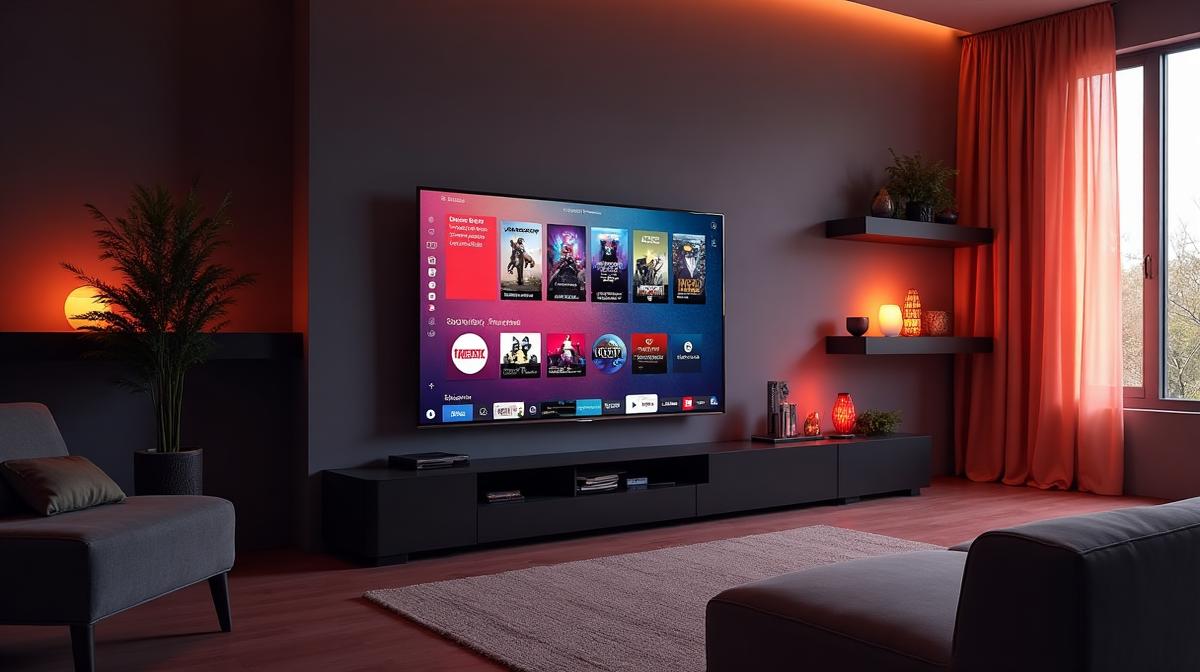
Smart TVs from Samsung and LG are perfect for IPTV streaming, offering large screens, excellent picture quality, and built-in app support. With the right IPTV app and a subscription from Voco IPTV, you can transform your Smart TV into an entertainment powerhouse with access to over 23,500 live channels and thousands of on-demand movies and series.
Best IPTV Apps Overview
Choosing the right IPTV app for your Smart TV is crucial for the best viewing experience. Here are the top IPTV apps that work excellently on Samsung and LG Smart TVs:
- Smart IPTV (SIPTV) - Best for simplicity and reliability
- IPTV Smarters Pro - Best all-around features
- SET IPTV - Best for LG webOS TVs
- Net IPTV - Best free option with premium features
- Duplex IPTV - Best for advanced users
Smart IPTV App
Smart IPTV (also known as SIPTV) is one of the most popular IPTV applications for Smart TVs. It offers a clean, easy-to-use interface and works reliably on both Samsung Tizen and LG webOS platforms.
Key Features
- Simple M3U playlist loading
- EPG (Electronic Program Guide) support
- Channel grouping and favorites
- Parental controls
- One-time payment of $5.49 (lifetime license)
- 7-day free trial available
IPTV Smarters Pro
IPTV Smarters Pro is a feature-rich IPTV player that supports Xtream Codes API, M3U playlists, and more. It provides an excellent user interface similar to popular streaming services.
Key Features
- Xtream Codes API and M3U support
- Beautiful, modern user interface
- Live TV, VOD, and Series sections
- Built-in video player
- Multi-screen support
- Free to download and use
Samsung Smart TV Setup
Setting up IPTV on your Samsung Smart TV is straightforward. Follow these steps to install Smart IPTV or IPTV Smarters:
Install Smart IPTV on Samsung
- Press the Smart Hub button on your Samsung remote
- Go to Apps and search for "Smart IPTV"
- Install the Smart IPTV application
- Open the app and note the MAC address displayed
- On your computer, go to siptv.app/mylist
- Enter your TV MAC address and Voco IPTV M3U URL
- Click "Send" and restart the app on your TV
LG Smart TV Setup
LG Smart TVs running webOS offer excellent IPTV app support. Here is how to set up IPTV on your LG TV:
Install Smart IPTV on LG
- Press the Home button on your LG remote
- Open the LG Content Store
- Search for "Smart IPTV" or "SET IPTV"
- Install your chosen IPTV application
- Open the app and note the MAC address
- Upload your M3U playlist via the app website
- Restart the app to load your channels
Get your Voco IPTV subscription and start streaming on your Smart TV today!
Start Free TrialApp Comparison Table
| App Name | Samsung | LG | Price | EPG | VOD Support |
|---|---|---|---|---|---|
| Smart IPTV | Yes | Yes | $5.49 | Yes | Yes |
| IPTV Smarters | Yes | Yes | Free | Yes | Yes |
| SET IPTV | No | Yes | $7.99 | Yes | Yes |
| Net IPTV | Yes | Yes | Free | Yes | Yes |
| Duplex IPTV | Yes | Yes | Free | Yes | Yes |
Frequently Asked Questions
Ready to Experience Premium IPTV?
Get access to 23,500+ channels, 4K quality, and anti-freeze technology. Start your free trial today!
Related Articles
What is IPTV? Complete Guide to Internet Protocol Television in 2026
IPTV (Internet Protocol Television) delivers television content over the internet instead of traditional cable or satellite. Learn how IPTV works, its benefits, and why millions are switching to IPTV streaming services.
How to Install IPTV on Firestick: Step-by-Step Tutorial 2026
Install IPTV on your Amazon Firestick in just 5 minutes with our easy step-by-step guide. Learn how to set up IPTV Smarters, TiviMate, and other popular IPTV apps on Firestick.